Framer-updates november en december: alle nieuwe functies op een rij

Door Robin Laseur

Framer has been on a roll, rolling out a series of updates in November and December that take website design and analytics to the next level. From a revamped Asset Panel to powerful analytics tools and publishing improvements, the updates are designed to make your workflow smoother and your results more impactful. Let’s dive into what’s new and how these features can transform your Framer projects.
Redesigned asset panel: The ultimate tool for organization
Framer’s redesigned Asset Panel simplifies managing Components, Styles, and Code. With new folder support, sorting options, and infinite nesting, organizing your projects has never been easier. The addition of update badges and clear call-to-actions ensures you always know what’s happening with your components.
Key features of the asset panel update
Folder, nesting, and sorting support: Group your assets systematically with infinite nesting and folder capabilities.
Update badges and buttons: Instantly recognize and update assets with visual cues.
Alphabetical sorting: Keep your assets neatly organized for efficient navigation.
Tap highlight property: Added to the Styles panel for enhanced customization.
Improvements and Fixes
Color styles pasting: Seamlessly paste Color Styles across projects.
Favicon size: Minimum size improved to 64 × 64.
Filter properties: Default values are now optimized for better results.
Bug fixes: Resolved issues like Text Styles resetting alignment and resizing problems with Max Height.
Framer Analytics: Real-Time insights without the hassle
The all-new Framer Analytics provides real-time insights into your site’s performance without requiring a cookie banner. Whether you’re tracking user interactions or optimizing campaigns, this feature is a game-changer for site owners.
Key features of Framer Analytics
Real-Time visitor data: Track live visitors, bounce rates, and session durations.
UTM and date filters: Monitor campaign performance and filter data by date.
Device and browser insights: Understand your audience’s behavior based on their devices and operating systems.
Entry and exit pages: Identify where visitors land and leave for better optimization.
Improved loading and layout: Faster analytics tab and a responsive design for mobile access.
Benefits of Framer Analytics
With these features, you can make data-driven decisions and improve user experiences. All analytics are now integrated into your project’s main view, making access more intuitive than ever.
Publishing made smoother: November’s publishing updates
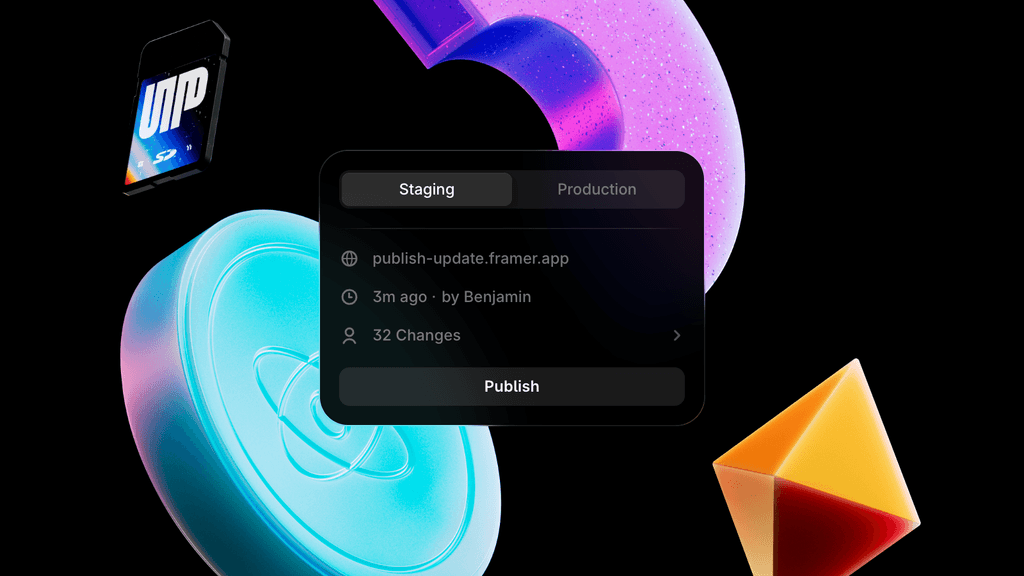
Publishing improvements in November have streamlined the process, saving you time and reducing errors. You can now instantly see the number of changes before publishing, along with other enhancements.
Key publishing features
Changelog count: Added directly to the Publish Sheet for better clarity.
Live timestamp: Know exactly when the last publish occurred.
Shortcut support: Use ⌘R to rename pages quickly.
Mixed value support: Now available in the Font Picker.
Improvements and fixes
Typography enhancements: Improved typography within the Publish Sheet.
Localized performance: Better app performance for users across multiple locales.
Error handling: Fewer interruptions caused by errors.
Airtable Plugin: Seamlessly sync your data
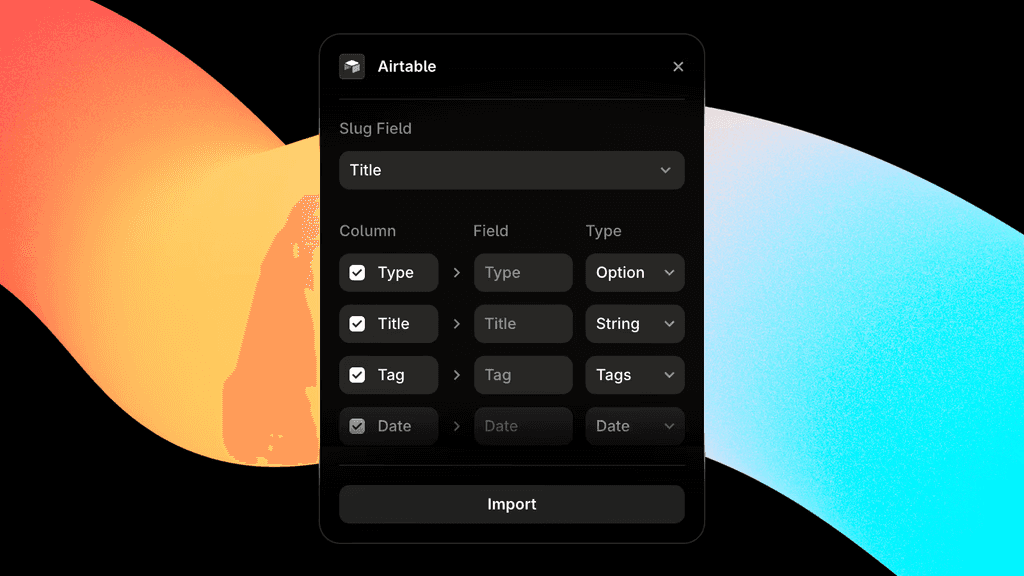
The Airtable Plugin is the star of December’s updates. This new tool allows you to sync content from Airtable directly into Framer CMS, enabling you to shape your data precisely for your website.
Features of the Airtable Plugin
Field mapping: Easily map columns to Framer’s CMS fields.
Linked records: Automatically maintain linked records when syncing multiple collections.
Open source: Explore the source code or create your own CMS Plugin using Framer’s guide.
How the Airtable Plugin enhances workflow
The Airtable Plugin bridges the gap between design and data, allowing for smoother workflows and better content management. Get started via the in-app Plugin menu or explore it on GitHub.
For data sources beyond Airtable, our custom development team builds custom CMS plugins and integrations to keep Framer in sync with the rest of your stack.
Why these updates matter
Framer’s November and December updates are more than just incremental changes—they’re designed to elevate your design and development process. The redesigned Asset Panel ensures organization and scalability, the Analytics tools provide actionable insights, and the publishing improvements save time. Finally, the Airtable Plugin opens new possibilities for seamless data integration.
Ready to build something real together with your favorite creatives and tech leads? Get into contact or fill out an inquiry form.
Gerelateerde artikelen


