



Why we built our own platform
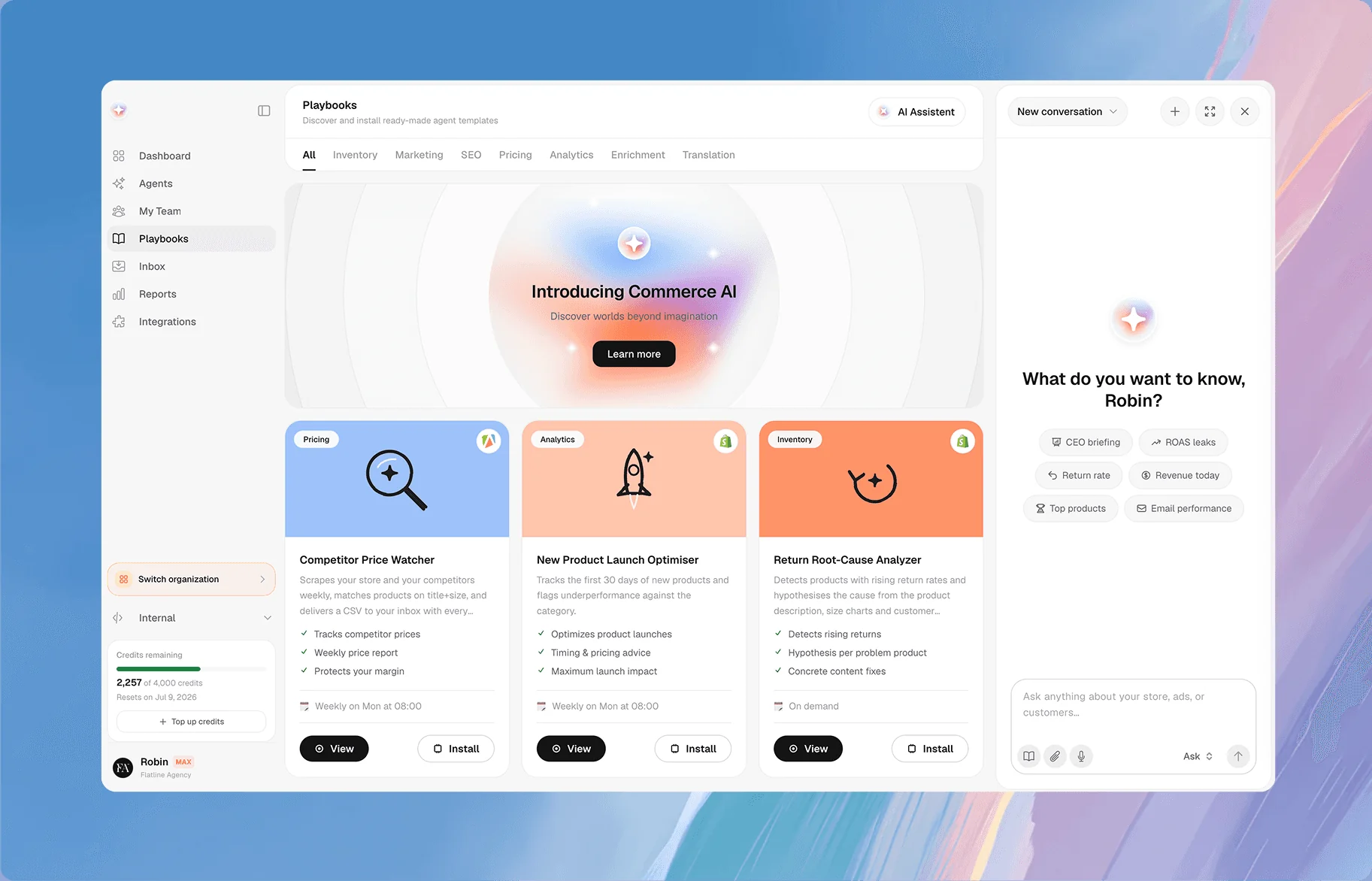
Every brand we work with ran into the same problem: six dashboards and nobody with the time to watch them all. So we built the tool we wanted ourselves. Commerce365 reads Shopify, Meta, Google, Klaviyo and GA4 as one data set, flags what is costing you money and prepares the fix. Our own team works with it on client stores. For now, Commerce365 is available exclusively through Flatline.
WHEN COMMERCE365 FITS
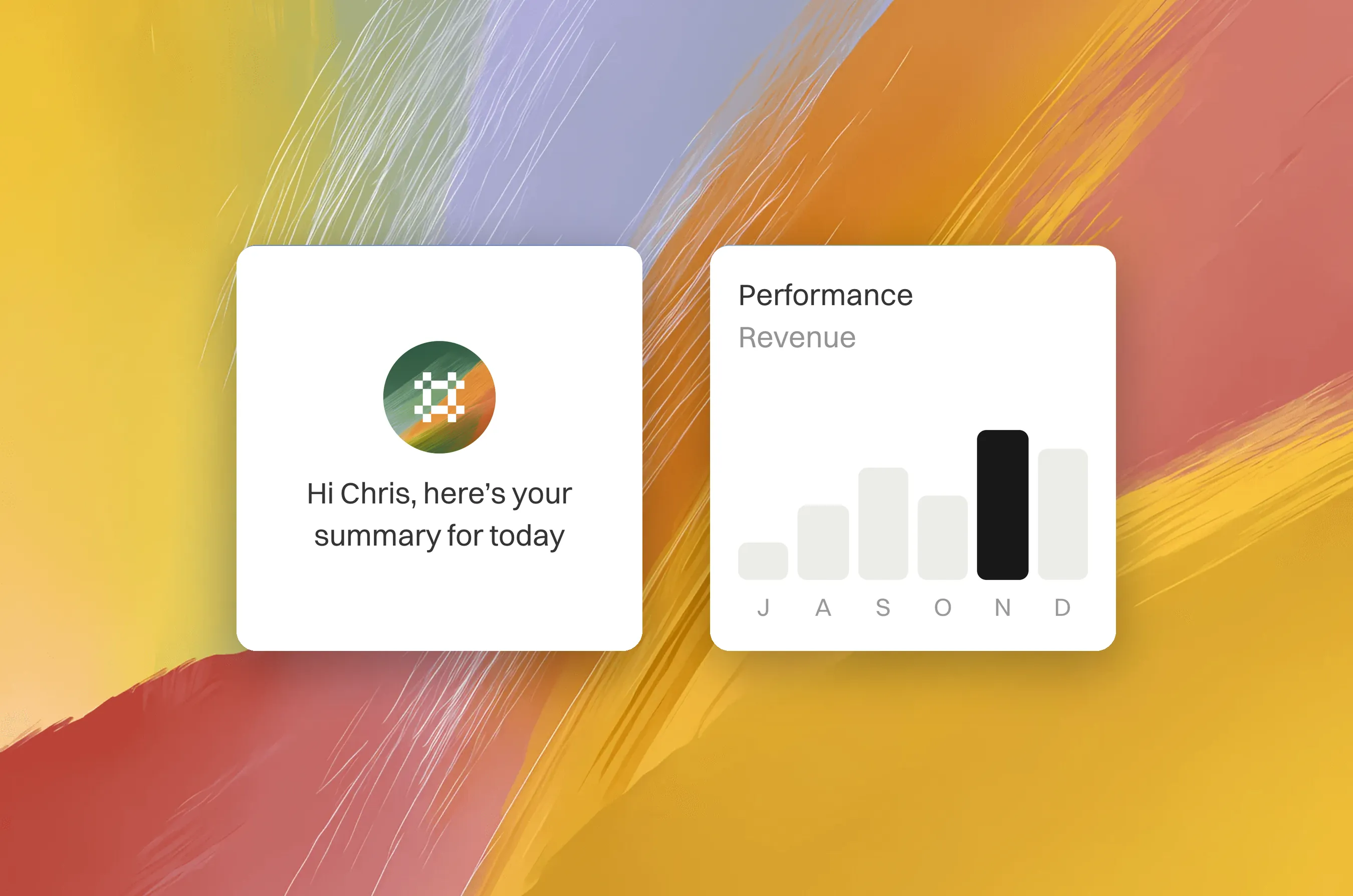
Commerce365 is built for Shopify brands that run several channels with a small team. Typically: reporting lives in six dashboards, stock and ad budgets are checked by hand, product content and translations lag behind the catalogue, and nobody has the time to spot what changed yesterday.
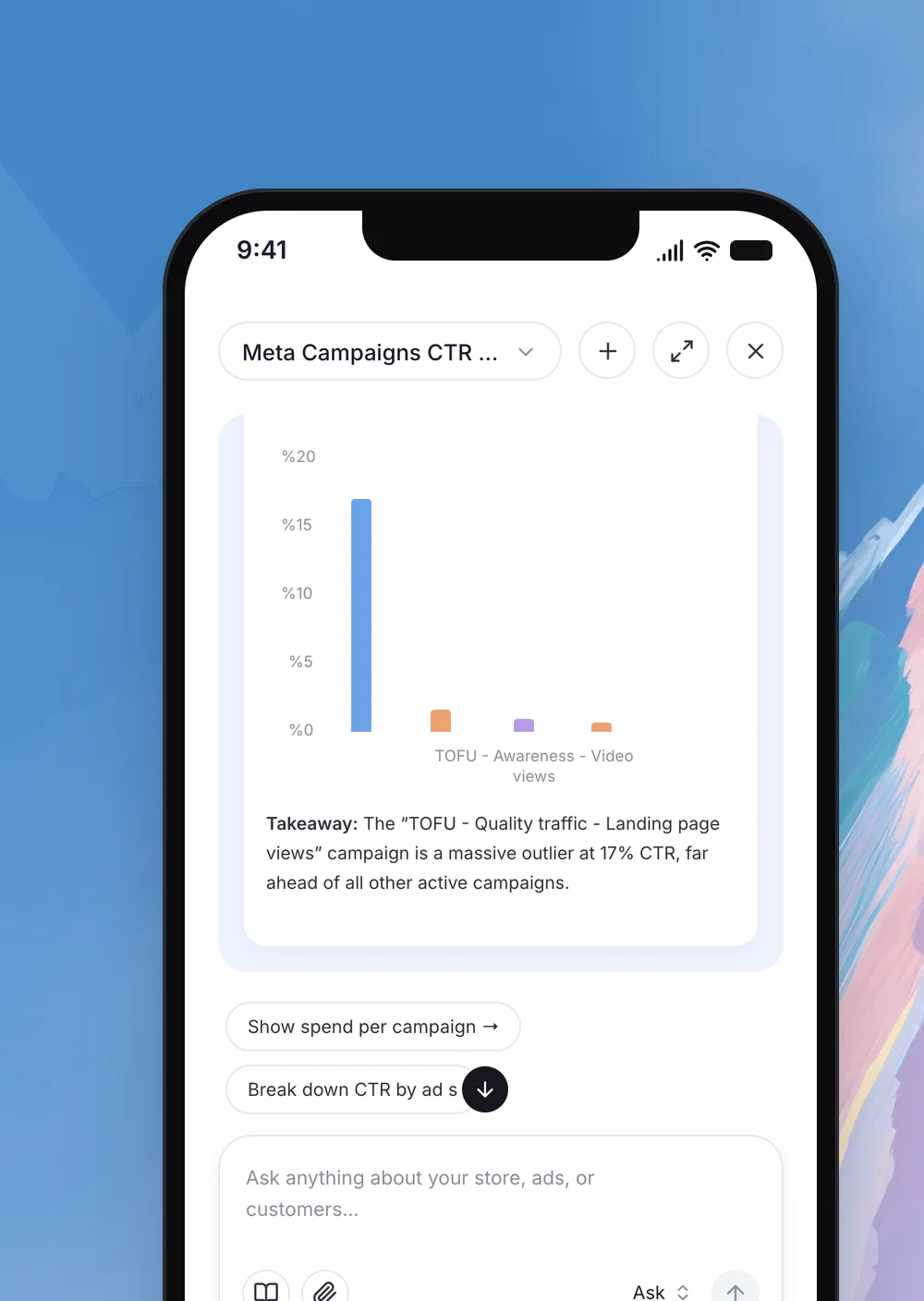

Analyse: one audit across your whole stack
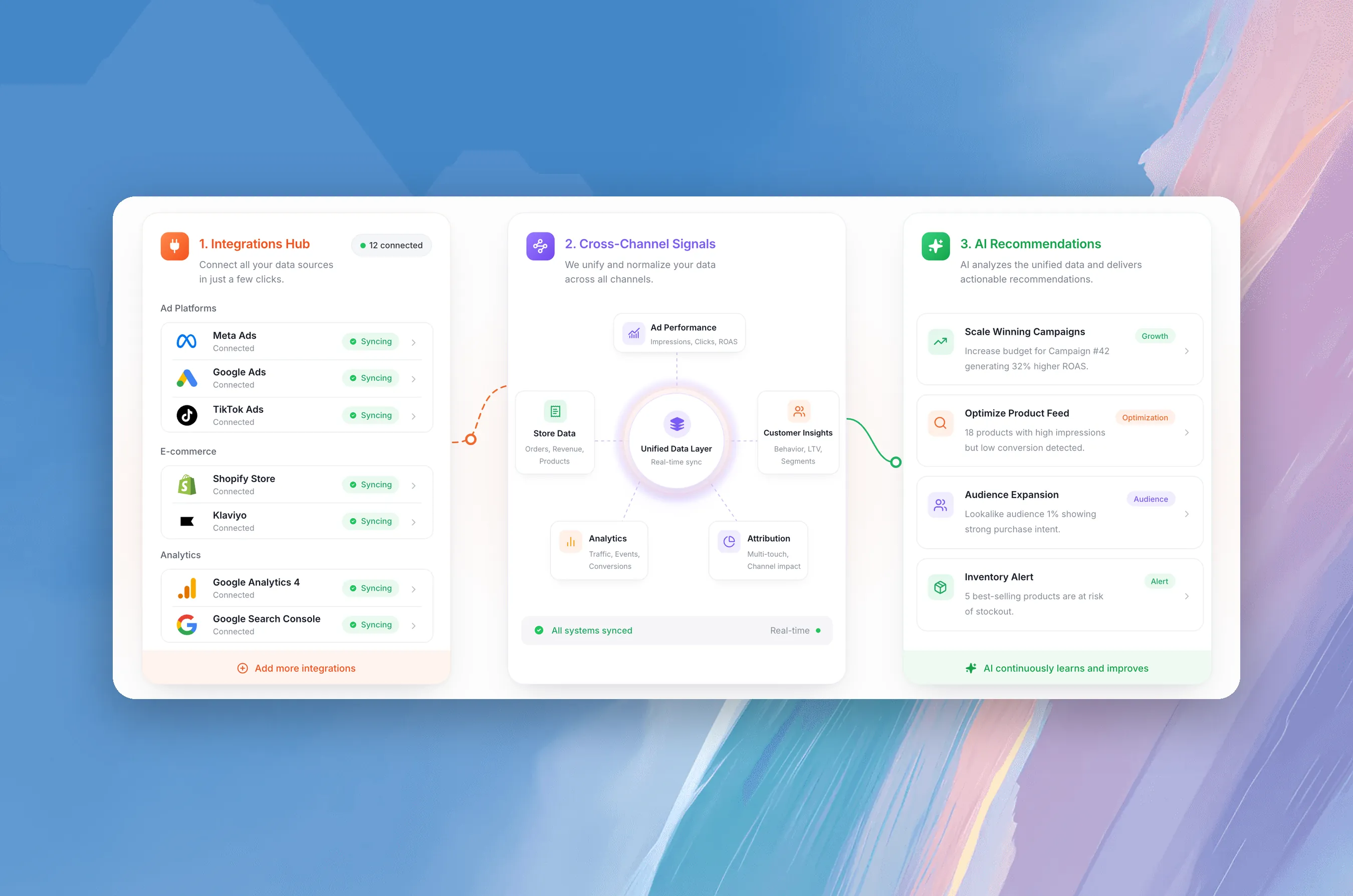
Agents read Shopify, Meta Ads, Google Ads, Klaviyo, GA4 and Search Console as one data set. You get one ranked list of what is costing you money, not six separate reports.
Wasted ad spend and campaigns with falling ROAS
Dead stock, slow sellers and products about to run out
Return patterns and margin leaks per product
Thin product content and missing SEO fields
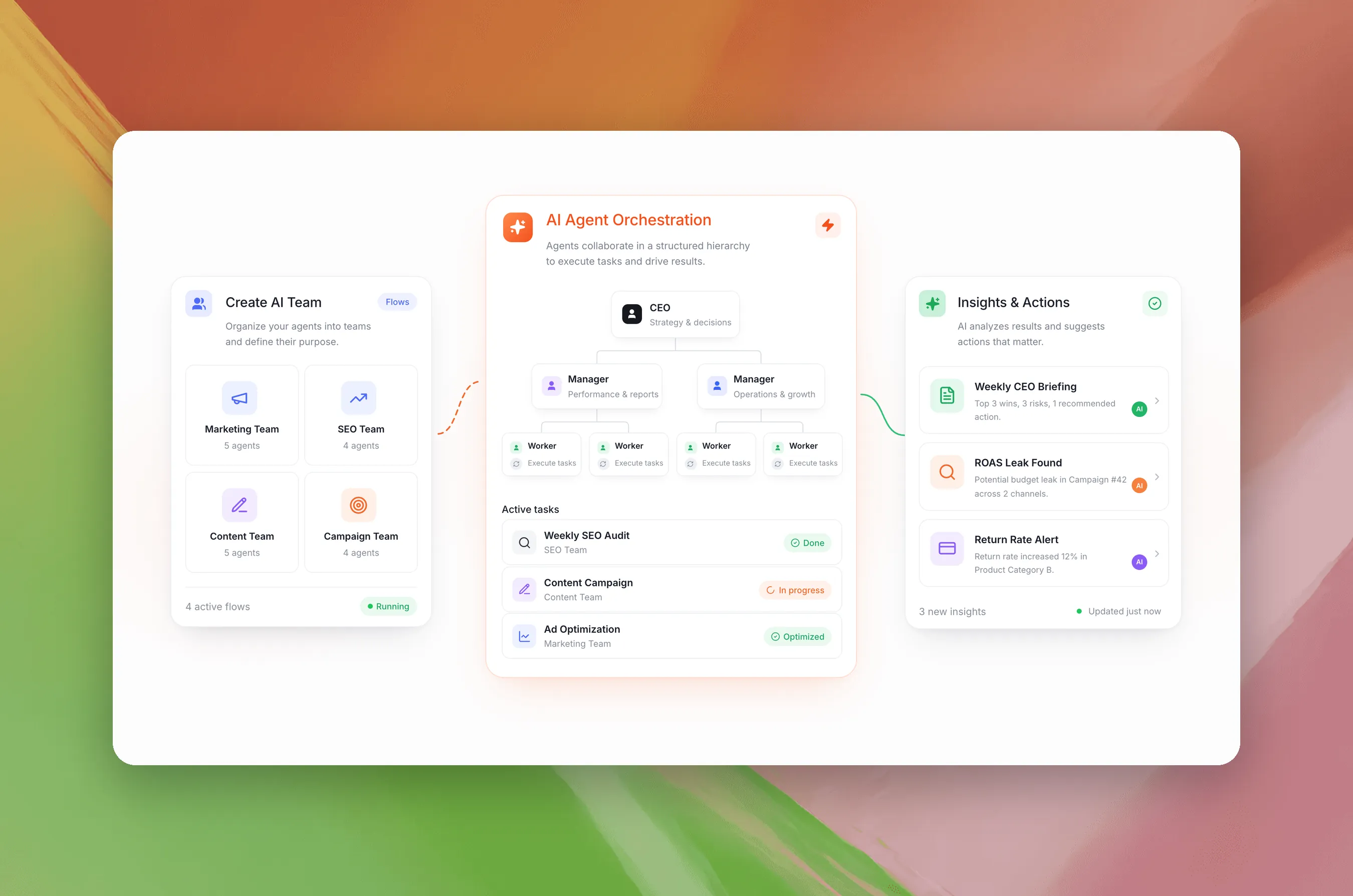
A weekly briefing with wins, risks and one recommended action
Automate: agents for the repetitive work
Commerce365 comes with around 40 ready-made agents. Pick one, connect the data it needs and set how often it runs. You can also build your own, or let agents work together as a team.
Product descriptions, SEO titles and alt text in your brand voice
Translations for every language your store sells in
Stock forecasts and budget shifts between campaigns
Competitor price checks and alerts when ad creatives wear out
Ask: your store in Claude and ChatGPT
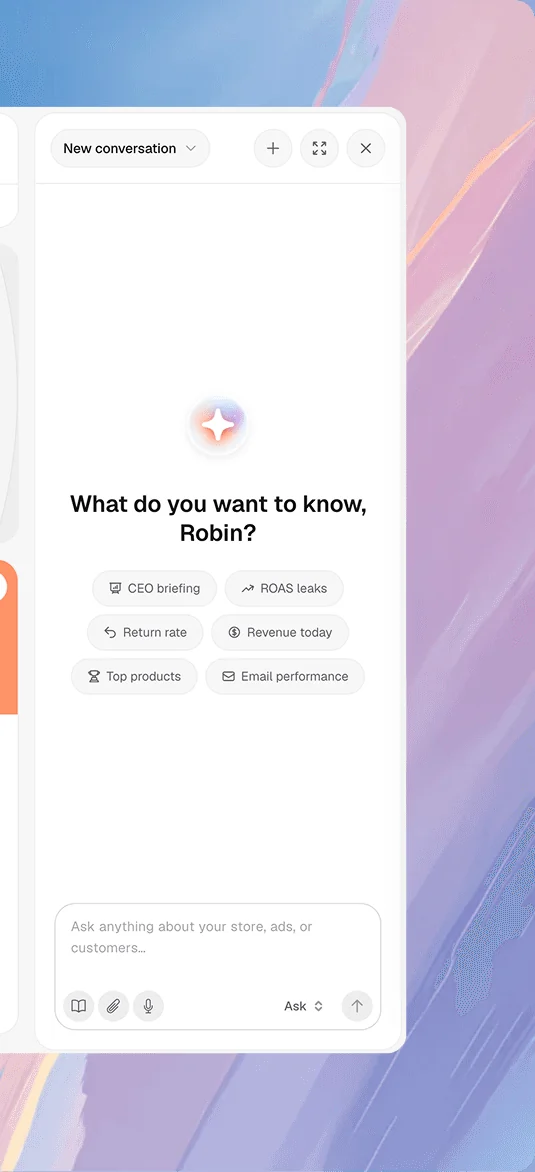
Commerce365 runs an MCP server for your store. Connect it once and ask questions in plain language from Claude, ChatGPT or any other MCP client. The answer comes from live data across all connected channels.
Ask which ads look profitable but lose money after returns, which products come back unusually often, or what changed in last week’s revenue.
Control: you approve every change
Reading and analysing runs automatically. Anything that changes your store, your ads or your email waits in an approval queue until someone on your team signs off.
Low-risk actions can run on their own once you allow that category, and you can switch that off again at any time. Every action is logged.
How you get started
Connect. Together we link Shopify and the channels you use. Each connection only reaches the accounts you select.
Audit. Run the first audit across your stack and get a ranked list of findings.
Activate. Switch on the agents that match those findings and decide what needs approval.
Review. Work from the weekly briefing yourself, or let our team act on it for you.
INTEGRATIONS
Connects to the tools you already run
Commerce365 reads and acts across your store, your marketing channels, your analytics and your back office. For every connection you decide whether agents may only read or also make changes.

Shopify

Itsperfect

Exact Online
Coming soon

Klaviyo

Meta Ads

Google Ads

TikTok


HubSpot

Google Analytics 4

Google Search Console

Google Tag Manager

Google Sheets

Apify

Slack

Claude

ChatGPT
See Commerce365 on your own store
Tell us which channels you run and where your team loses time. We reply with a proposal for a demo on your own data.


